macOSLinux
SpeakEasy
Hold a key, talk, let go
SpeakEasy is voice dictation that stays out of the way. Hold a key, say what you want to write, let go, and clean, polished text is typed into whichever app you are using.
Ask about SpeakEasyPrice to be announced
More screens
What it is for
- People who think faster than they type.
- Anyone writing emails, chat messages, notes or code in lots of different apps.
- People who want dictation that can work fully offline.
The details
- Platforms
- macOS and Linux
- Speech
- On-device offline engine, or Gemini with your own key
- Price
- To be announced
- Licence
- Buy once, own it forever. 12 months of updates included.
What it does
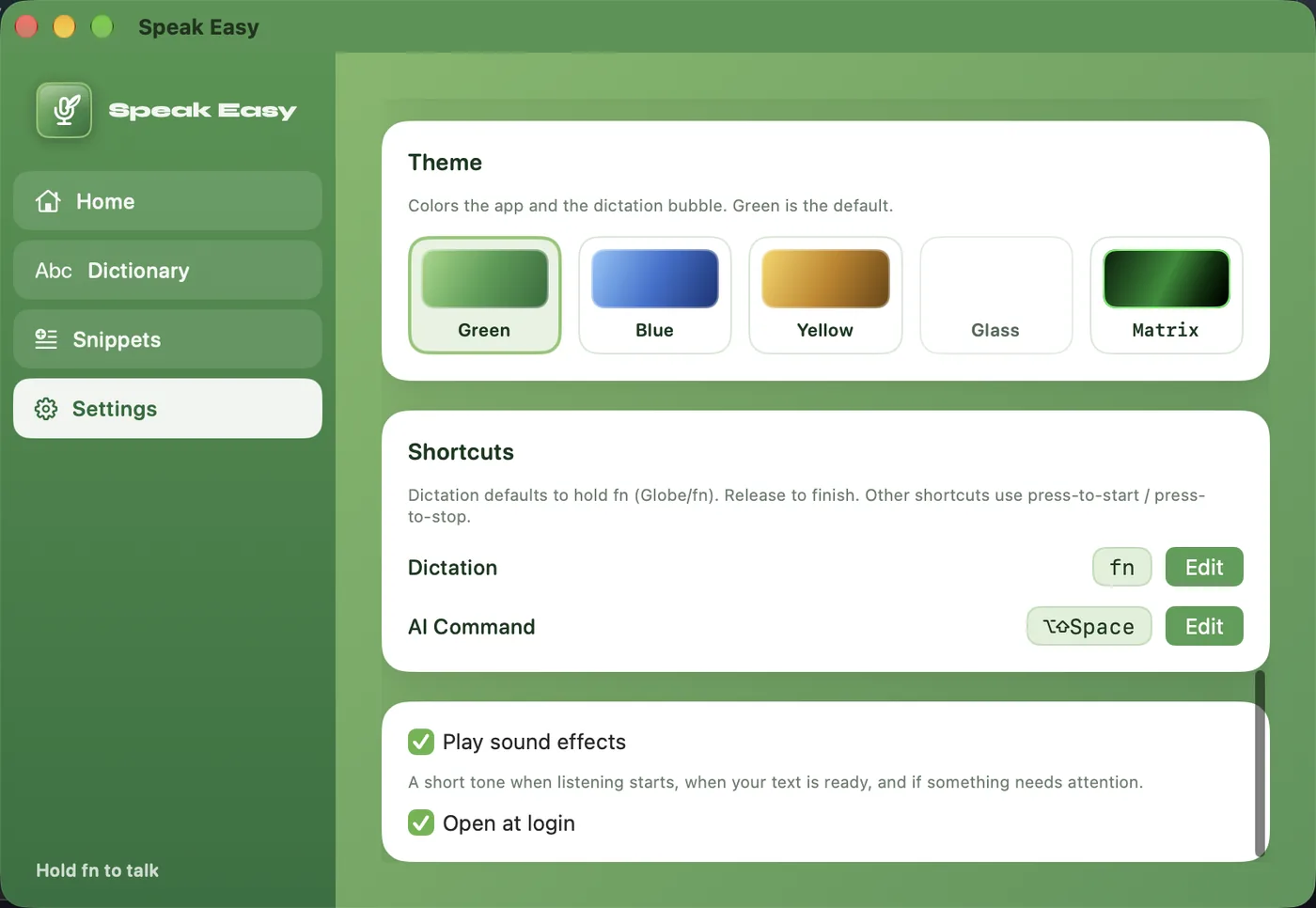
- Hold to talkHold fn (or a shortcut you choose), speak, and release. The text lands in the app you were in.
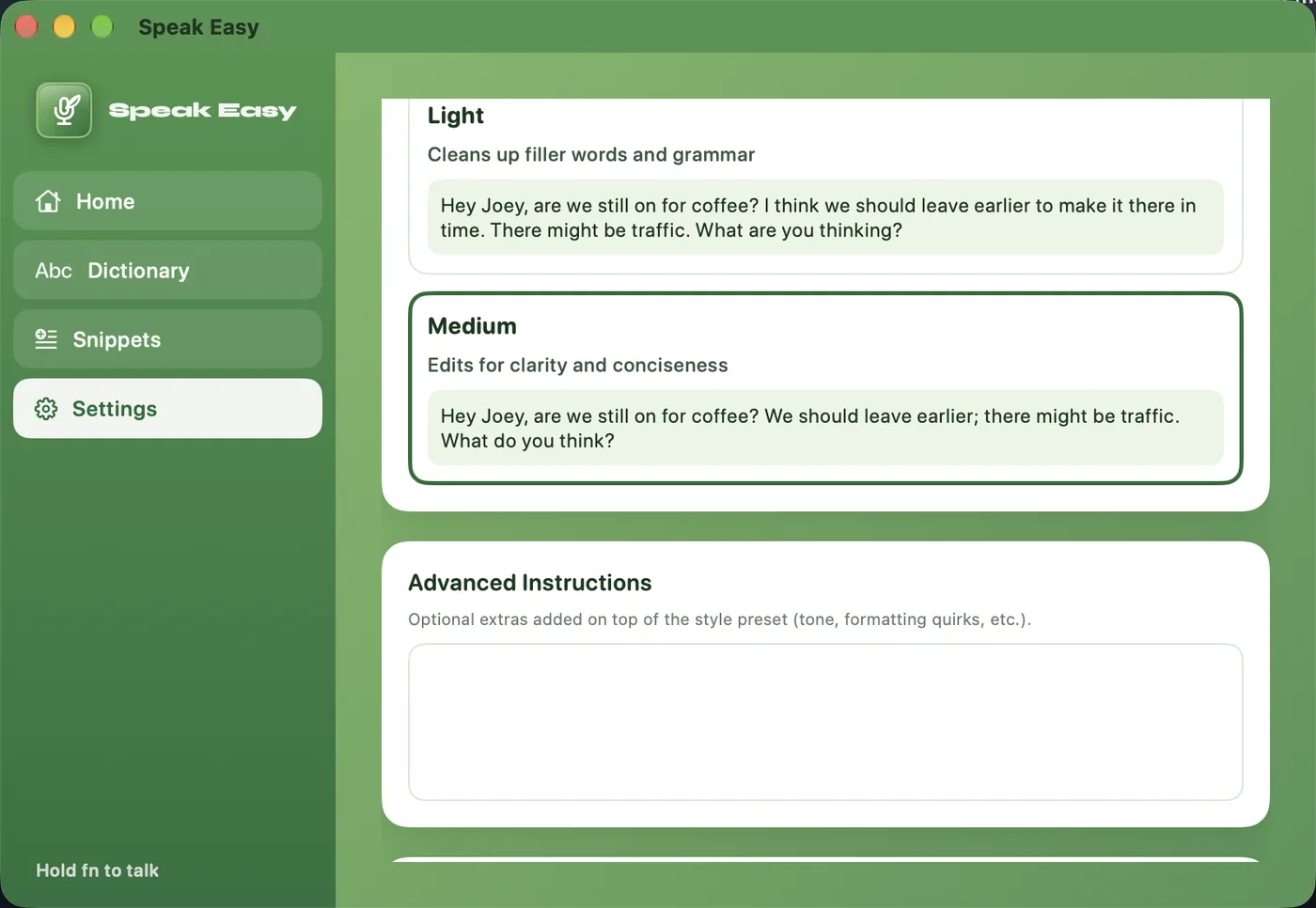
- Polished, not rawOptional clean-up removes filler words and tightens wording. You choose how much: None, Light or Medium.
- Writing stylesAuto, Email, Chat, Notes or Code, so Slack stays short and Mail stays email-ready.
- Works offlineUse on-device speech recognition with no API key and no network. A Gemini key is optional.
- Personal dictionaryTeach it names and terms once and it spells them your way.
- SnippetsSay a trigger phrase and it expands to saved text.
- AI commandSelect some text, hold a second shortcut and say what to change.
- Five themesGreen, Blue, Yellow, Glass and Matrix, for the app and the dictation bubble.