AndroidComing soon
Utopia
A bubble home screen for Android
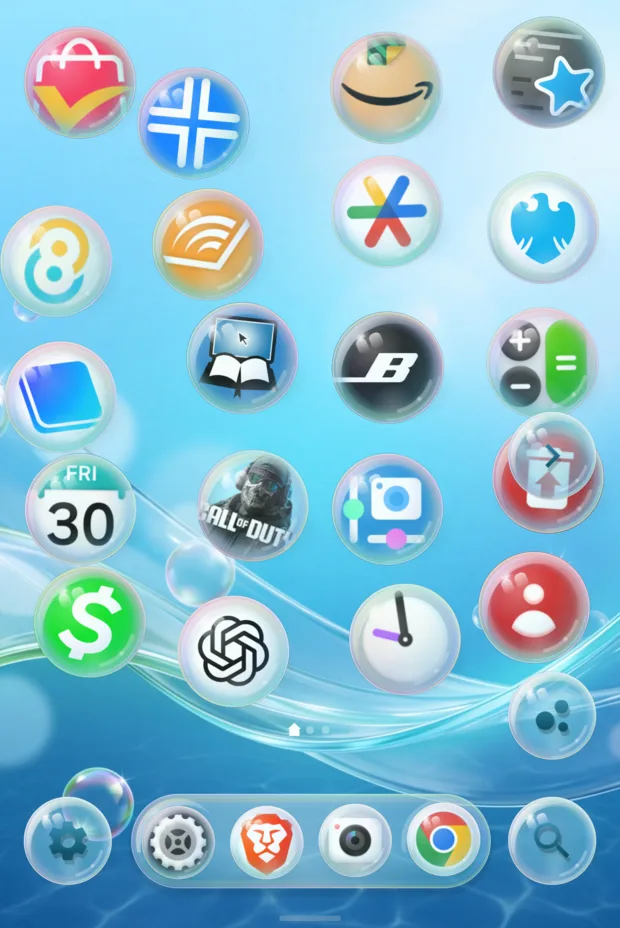
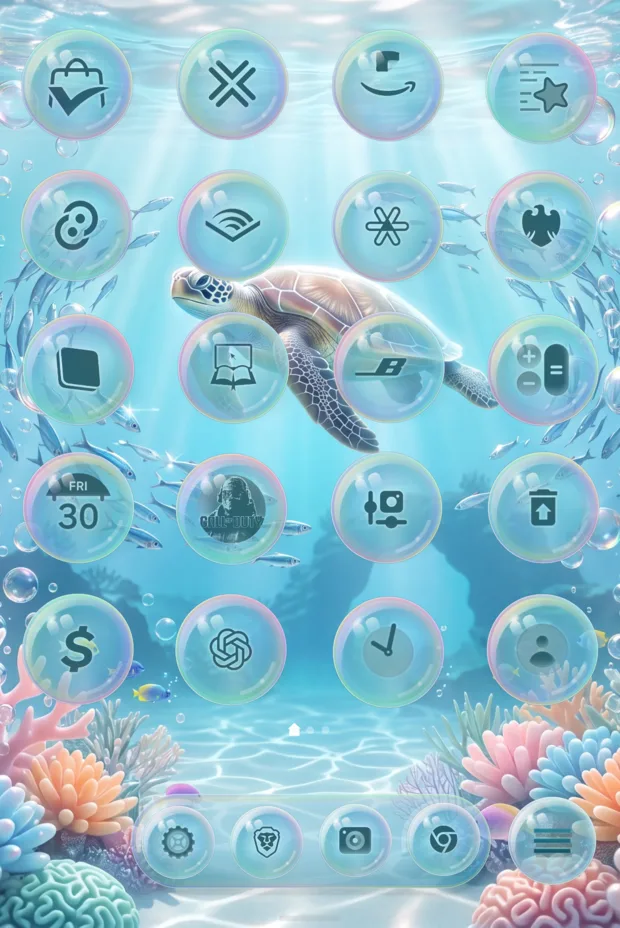
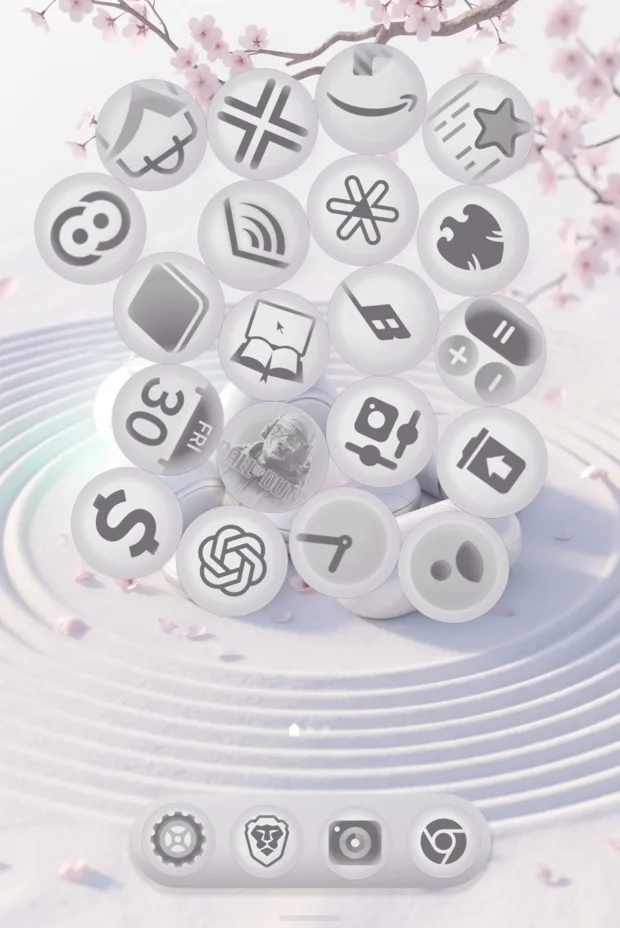
Utopia is a home screen for Android where every app is a glossy, floating bubble. The bubbles drift, bounce off the walls and off each other, and you can grab one and fling it across the screen. Prefer things tidy? One tap lines them up in a neat grid. Each of its 19 themes brings its own wallpaper and its own look for the bubbles.
More screens
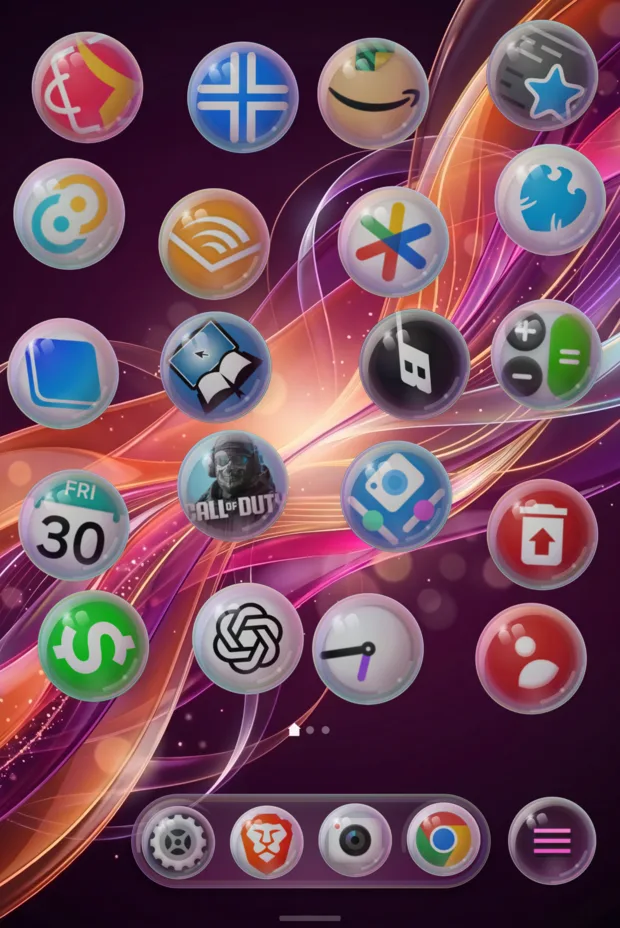
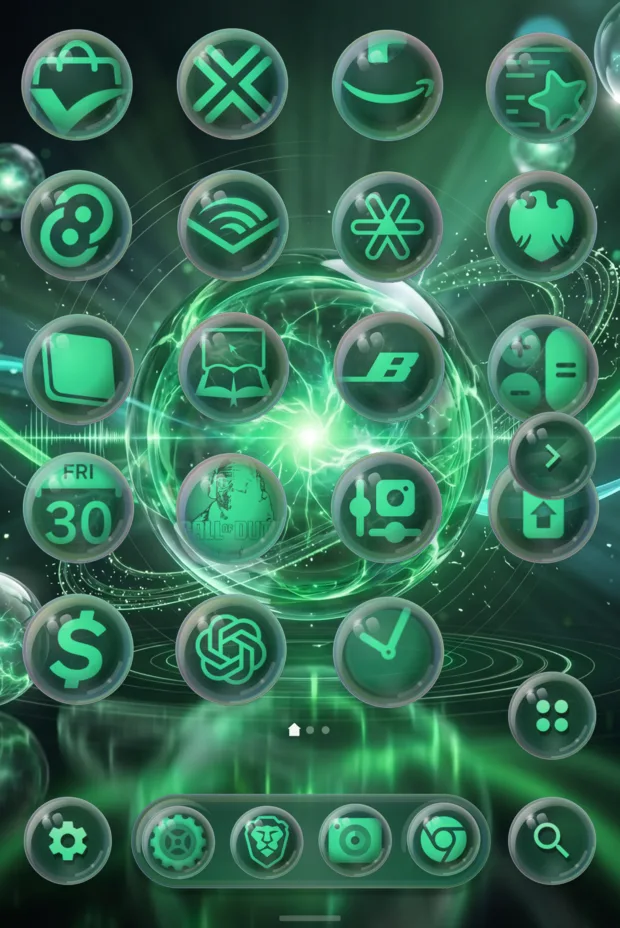
Wallpapers

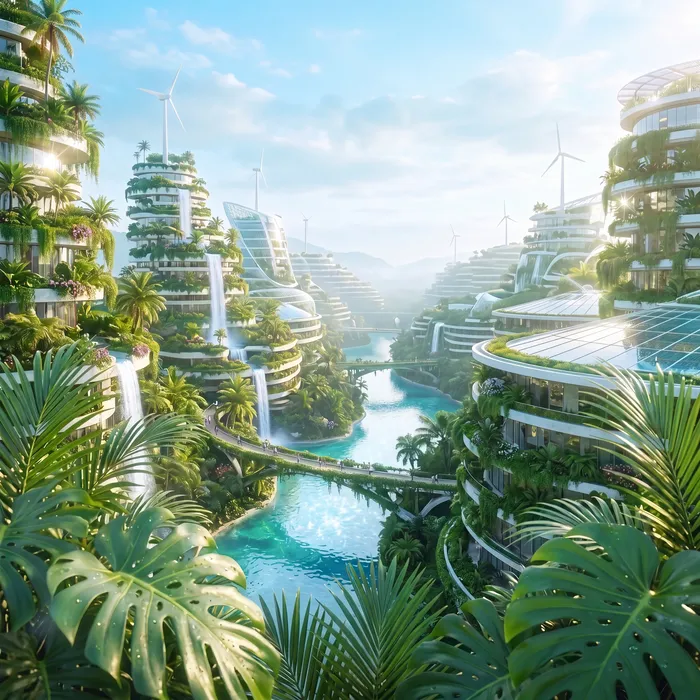
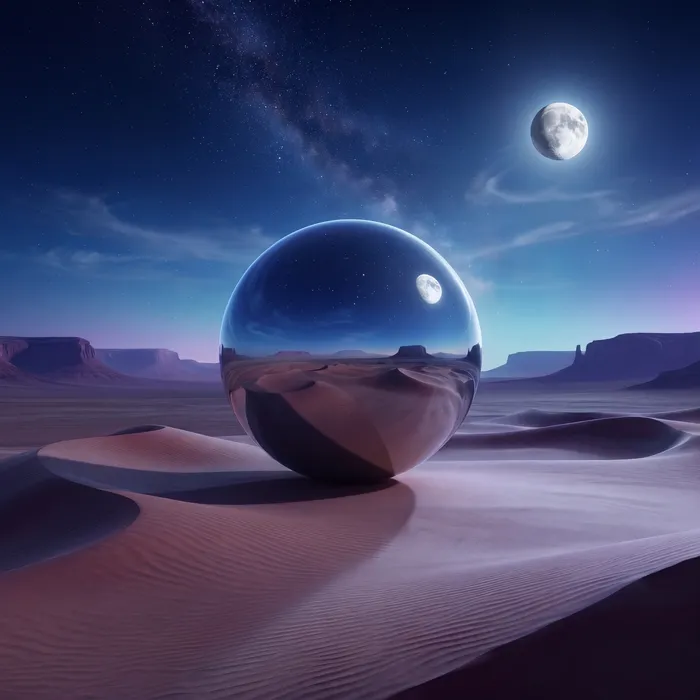
What it is for
- People who want their phone to feel playful again.
- Anyone who misses the glossy, glassy look of early-2000s interfaces.
- Android users who like to customise their home screen.
The details
- Platform
- Android 10 or later
- Where
- Google Play (coming soon)
- Languages
- 9
- Price
- Free download. Utopia Pro is optional, bought inside the app through Google Play.
What it does
- Real physicsBubbles drift, bounce off walls, collide and spin. Grab one and flick it, or tilt the phone to roll them. One tap lines them up in a neat grid instead.
- Real-bubble lookMoving thin-film colour, window reflections and soft shadows, with a pop when an app opens.
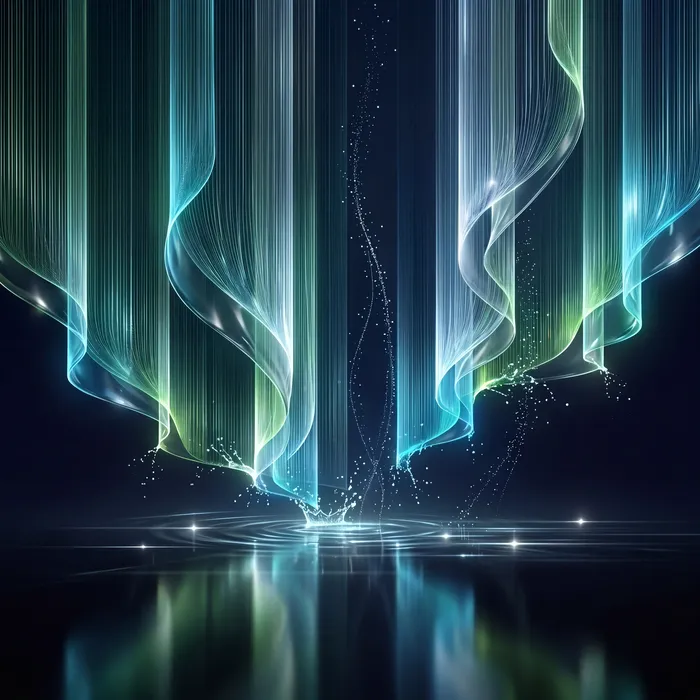
- 19 themesGlossy skies, a turtle lagoon, a zen garden, aurora silk and more. Each sets the wallpaper, glass, colour and icon style that suit it. Skyglass moves for everyone; with Pro, more themes move too.
- Your lookGlass colours, light and dark themes, natural, themed or one-colour icons, and icon packs from Nova, ADW, Apex and GO. Save your own version of any theme.
- Buttons your waySeparate buttons, a single button that fans out, or no buttons at all: swipe up for search, and double-tap or shake to switch floating.
- Search, dock, folders and widgetsA quick search of every app, a favourites dock, bubble folders, notification dots and your widgets (in beta). With Pro, search the web and hide apps too.
- A guided tourA short tour on first launch shows you search, settings, wallpapers and how to send a bubble flying.
- Sound and touchSeven bubbly sounds made in code, a sound for each action, and gentle vibration. Silent on vibrate.
- Light on your batteryGraphics levels (Auto, High, Balanced, Lite), and the bubbles stop drawing when nothing is moving.
- In 9 languagesEnglish, Spanish, Portuguese, German, French, Japanese, Korean and Chinese (Simplified and Traditional).
- Private by designEverything stays on your phone: no account, no ads, no tracking. Notification access only keeps counts.
Questions
When can I get Utopia?
Soon, on Google Play. The button on this page will take you straight to it once it's live. Want a heads-up? hello@heionlabs.com.
How much does it cost?
Utopia is a free download. Utopia Pro is optional and unlocks extras such as the locked themes, your own photo or video as the background and more ways to style your bubbles. You can get Pro as a subscription or as a one-time purchase, inside the app through Google Play, where the prices are shown.
Which phones does it work on?
Android 10 or later.
Does it replace my home screen for good?
Only while you want it to. Android lets you pick Utopia as your home app, and you can switch back to your old home screen in your phone's settings at any time.
Will it drain my battery?
It's built to be light: choose a graphics level (Auto, High, Balanced or Lite), and the bubbles stop drawing when nothing is moving.
Can I use my icon pack?
Yes. Icon packs made for Nova, ADW, Apex and GO launchers work, and there are three built-in icon styles: natural, themed and one-colour.
What does Utopia do with my data?
Nothing leaves your phone. Utopia has no account, no ads and no tracking, and notification access is used only to show counts on your bubbles. Google Play handles Pro purchases. The full details are in the privacy policy.
How do updates and refunds work?
Through Google Play: updates arrive like any other app's, and purchases follow Google Play's refund rules.