
macOS
Clean Ducky
A tidy-up utility for your Mac
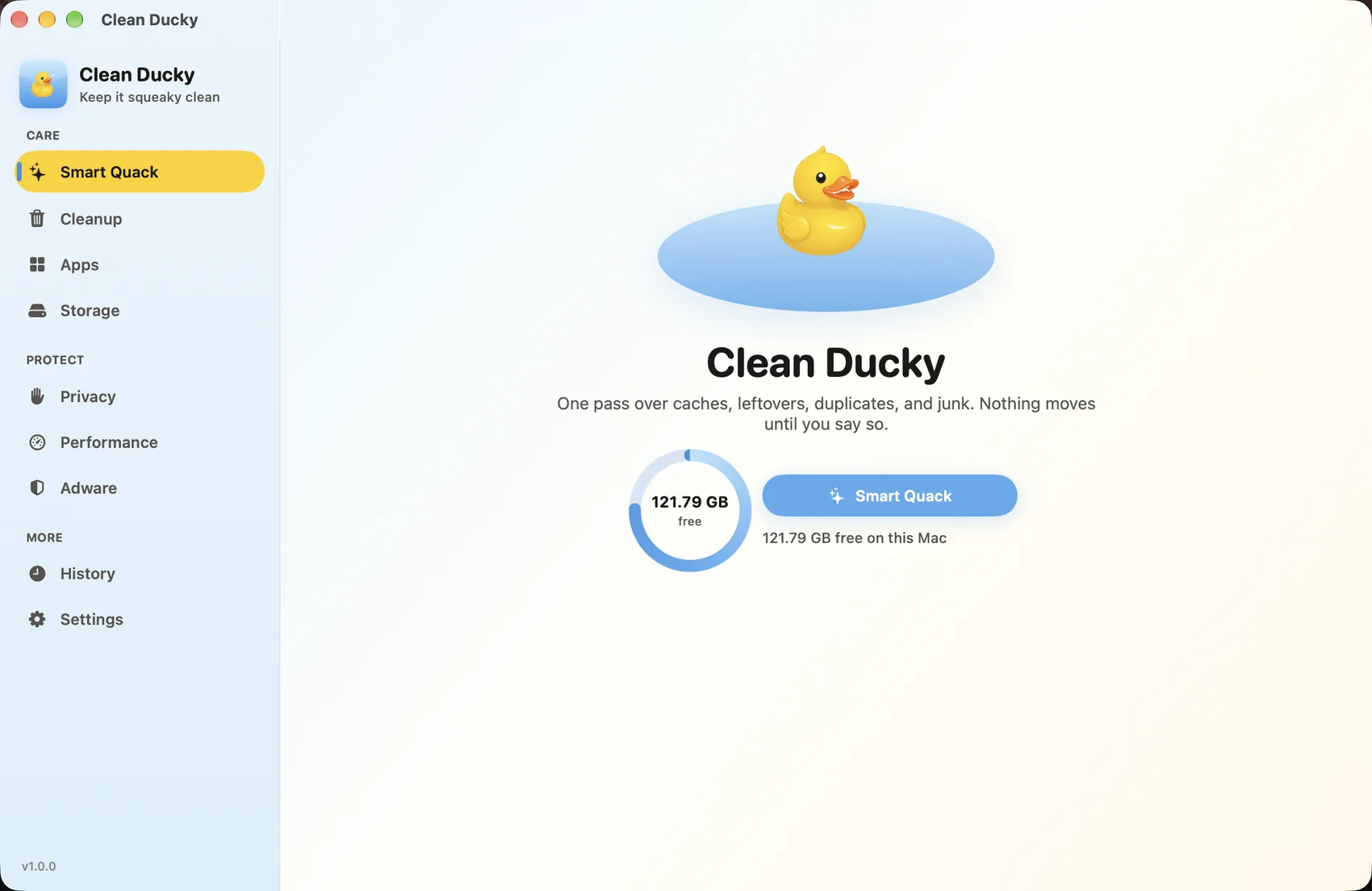
Clean Ducky is a native Mac utility with a rubber duck for a mascot. It does one pass over caches, leftovers, duplicates and junk, and nothing is removed until you say so.
More screens
What it is for
- Anyone whose Mac is running low on space.
- People who want leftovers from uninstalled apps gone.
- Anyone who wants a cleaner that explains what it is about to remove.
The details
- Platform
- macOS 14 Sonoma or later
- Note
- Full Disk Access is needed for thorough scans
- Price
- To be announced
- Licence
- Buy once, own it forever. 12 months of updates included.
What it does
- Smart QuackOne button that scans for the usual suspects and shows what it found first.
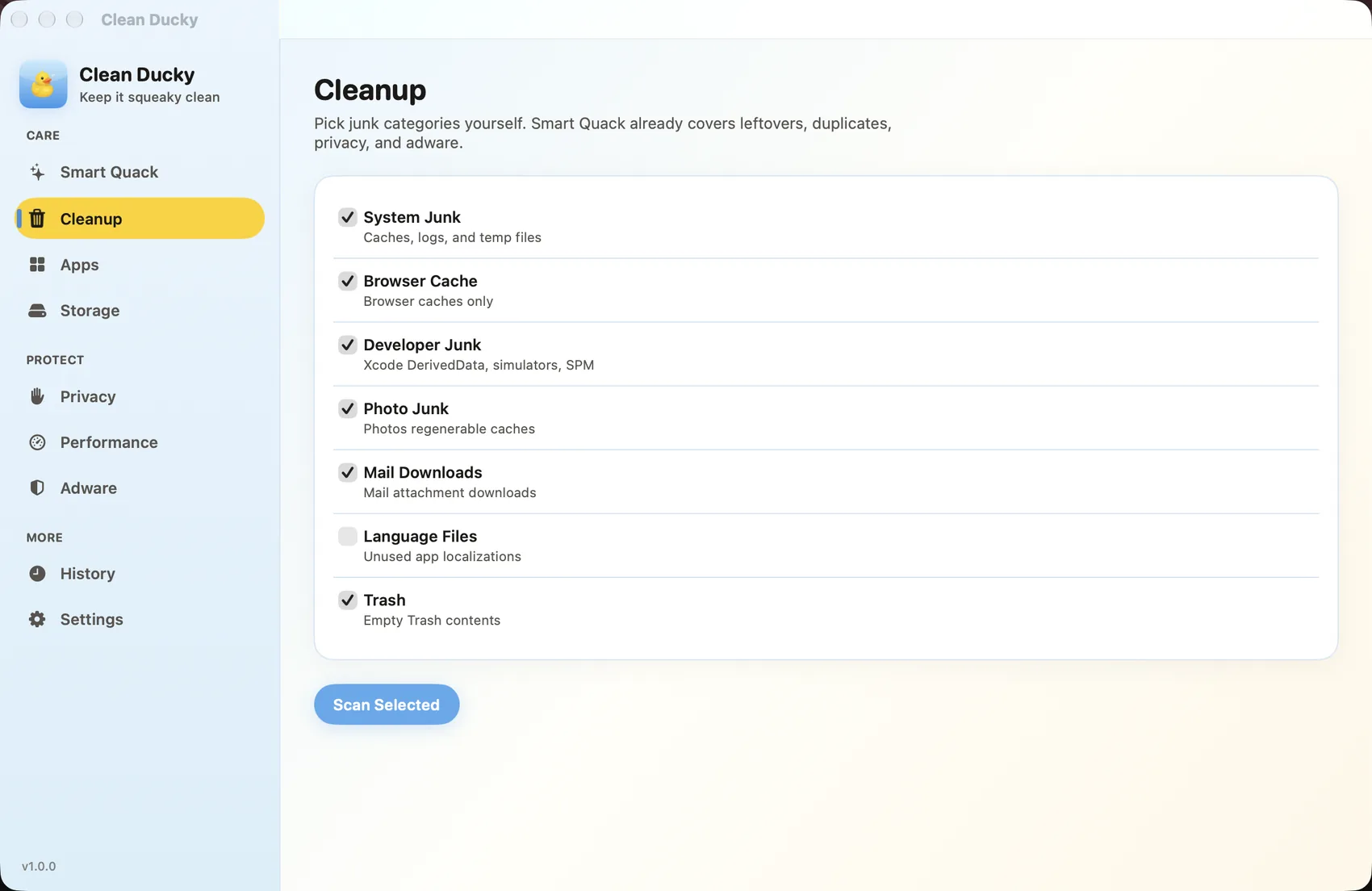
- CleanupSystem junk, browser caches, developer junk, photo junk, mail downloads, language files and the Trash.
- Uninstall leftoversFinds the files an app leaves behind after you delete it.
- StorageShows where your space went.
- PrivacyReviews browsing history and activity traces, and can keep the cookies that keep you signed in.
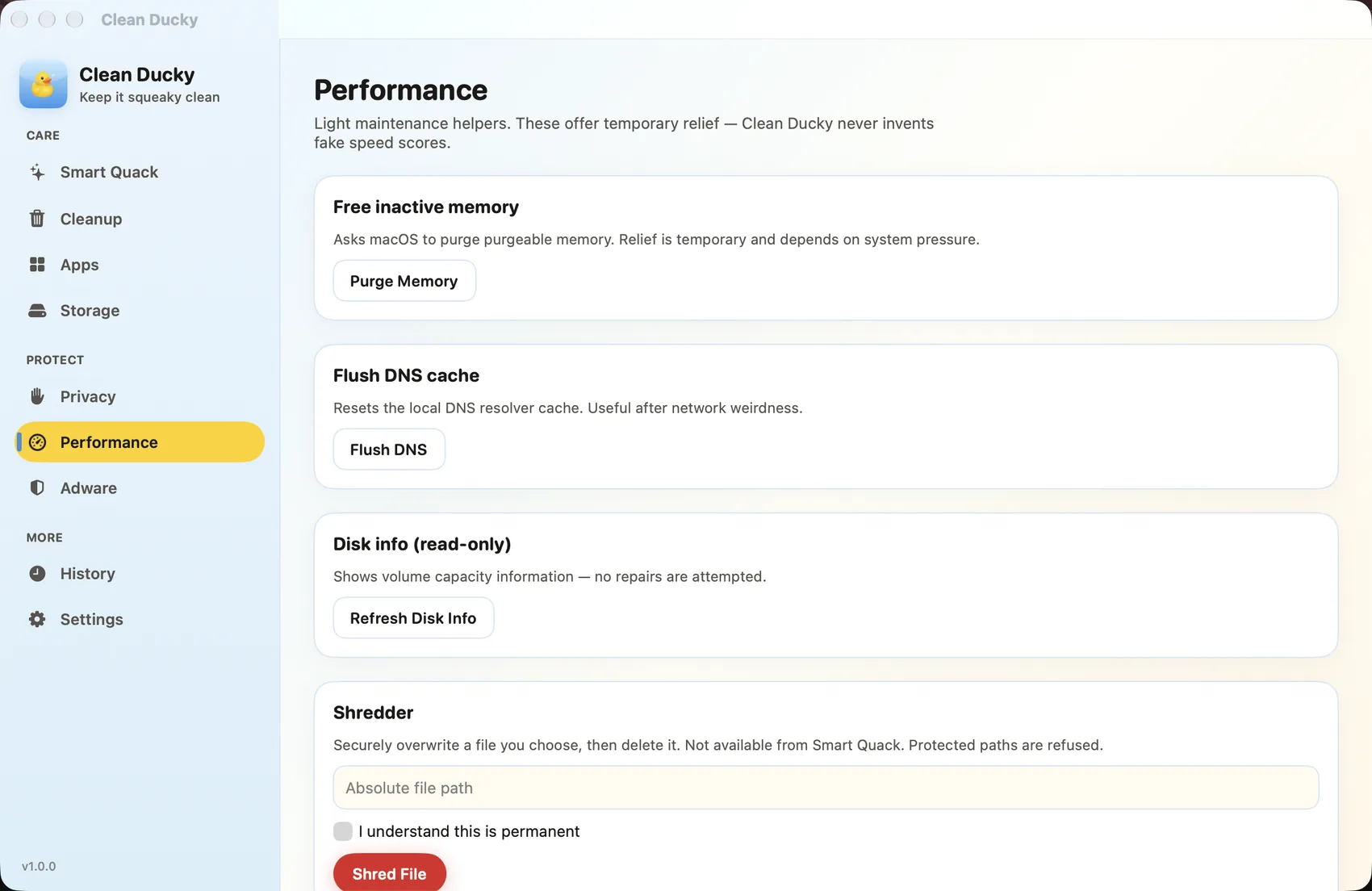
- PerformanceLight maintenance helpers, such as freeing inactive memory and flushing the DNS cache.
- Adware checkLooks for known adware and suspicious launch agents using a local list.
- Safe by defaultDeletes go to the Trash. Every path is marked Safe, Review or Protected, and documents, photo originals, Mail, Keychain and SSH keys can never be selected.
Questions
Which Macs does it run on?
macOS 14 Sonoma or later.
Is it safe to use?
Nothing is removed until you confirm, and deleted files go to the Trash, so you can put them back. Every item is marked Safe, Review or Protected, and documents, photo originals, Mail, Keychain and SSH keys can never be selected.
Why does it ask for Full Disk Access?
macOS hides some caches and logs from apps unless you allow Full Disk Access in System Settings › Privacy & Security. Without it Clean Ducky still works, but finds less.
Does it send my data anywhere?
No. Scans happen on your Mac and the adware check uses a list built into the app.
Will it delete my browser logins?
Not unless you choose to. The privacy cleanup can keep the cookies that keep you signed in.
Can it remove what an app leaves behind?
Yes. After you delete an app, Clean Ducky finds the settings, caches and support files it left behind.
When can I buy it, and for how much?
The price isn't set yet. hello@heionlabs.com and I'll tell you when it's out.
What do I get when I buy it?
Buy it once and it's yours forever, with 12 months of free updates from the day you buy. After that nothing stops working. Renewing is completely optional: another year of updates costs 50% of the price, and you're never charged automatically.